
Markets move in seconds. For active traders, every moment matters. Whether you’re trading equity, futures, or options, having the right tools can make executing trades faster and managing positions easier.
That’s where Scalper in Emerge by Flattrade comes in.
In this guide, we’ll explain what Scalper is, why traders use it, and how you can access it within the Emerge trading platform.
What is Scalper?
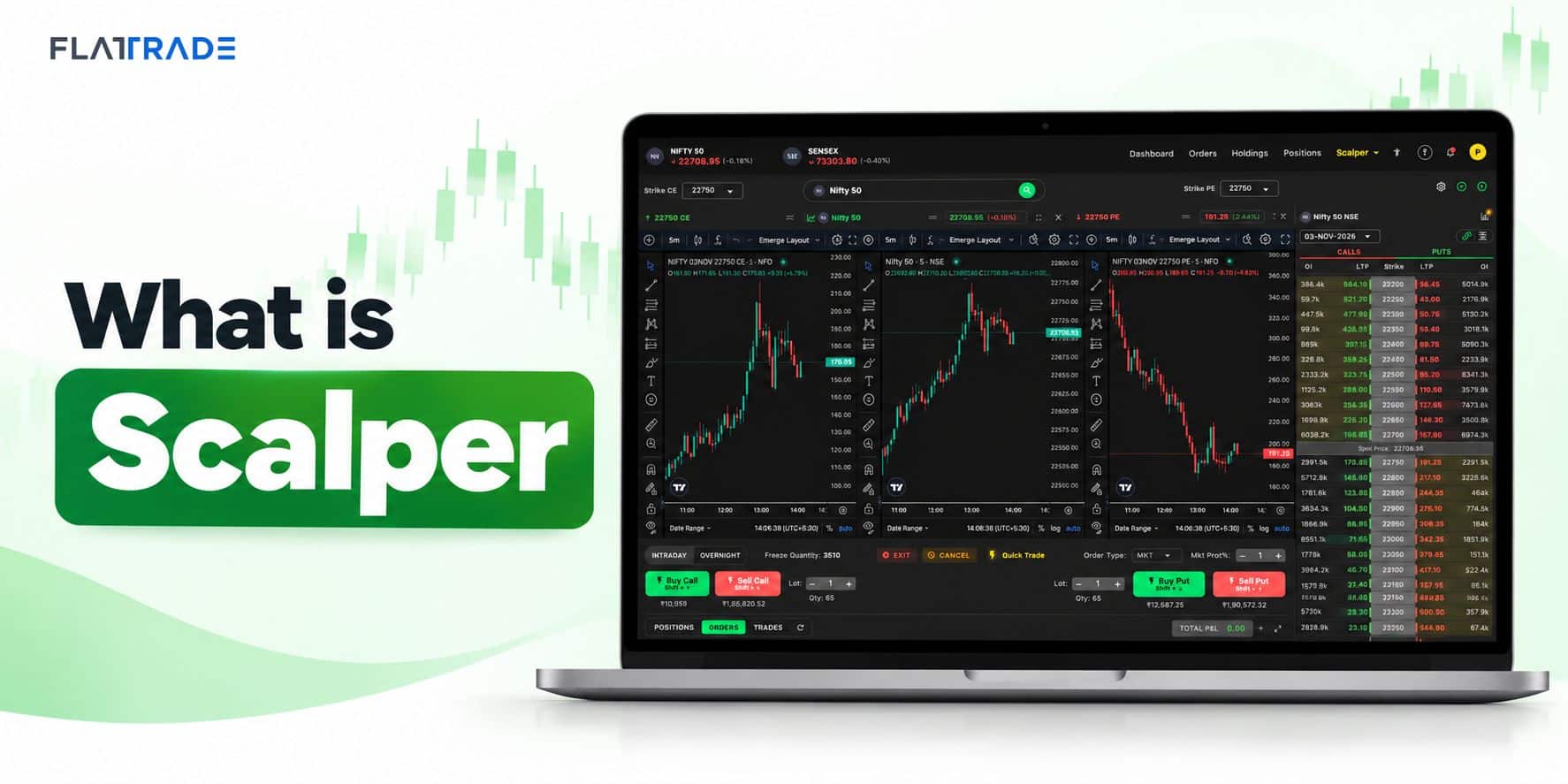
Scalper is a dedicated trading workspace inside Emerge by Flattrade designed for traders who need speed, convenience, and real-time market information in one place.
Instead of switching between multiple windows to monitor charts, option chains, and order placement, Scalper brings everything together into a single screen.
Whether you’re an intraday trader, options trader, or futures trader, Scalper helps you analyze the market and place orders quickly.
Why Use Scalper?
Scalper is built to improve trading efficiency by reducing the time between market analysis and order execution.
Some of its key benefits include:
- Real-time market charts
- Quick Buy and Sell order placement
- Live Option Chain
- Simultaneous Call and Put monitoring
- Fast navigation between strikes
- Professional trading layout
- Optimized for intraday and options trading
By having multiple trading tools available on one screen, traders can make informed decisions without constantly changing tabs.
Features of Scalper
Live Market Charts
Monitor real-time price movements using interactive charts.
Track market trends and analyze price action before placing trades.
Option Chain
View the live Option Chain with Call and Put data.
The Option Chain helps traders evaluate:
- Strike Prices
- Open Interest (OI)
- Price Changes
- Market Activity
This information is useful for identifying support, resistance, and overall market sentiment.
Call & Put Analysis
Scalper displays Call (CE) and Put (PE) information side by side, allowing traders to compare both contracts quickly.
This makes it easier to analyze market direction during options trading.
Quick Order Placement
Execute trades directly from the trading workspace.
With Buy and Sell buttons readily available, traders can respond to market movements faster.
Multi-Panel Workspace
Scalper combines:
- Charts
- Option Chain
- Order Window
- Market Data
into one integrated trading interface, helping reduce screen switching during active market hours.
How to Open Scalper in Emerge by Flattrade