


What is Market Protection?
Market Protection is a feature that helps reduce the risk of your Market Order being executed at an unexpected price during volatile market conditions.
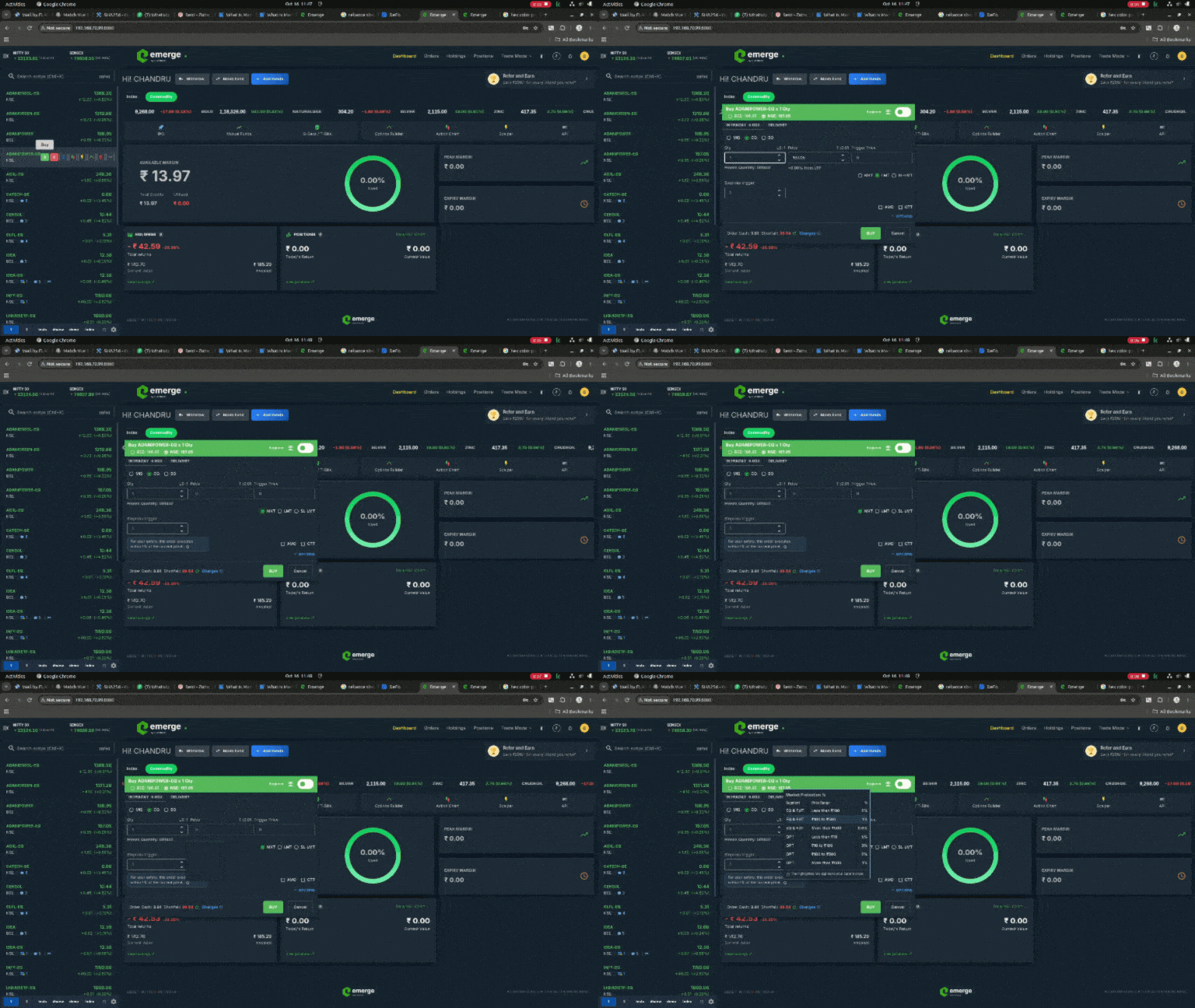
When you place a Market Order, Flattrade automatically applies Market Protection. The system calculates a predefined protection price based on the Last Traded Price (LTP) and the security type. If the market moves beyond this protection range before your order is fully executed, the remaining quantity is automatically converted into a Limit Order at the protection price.
This helps reduce the impact of sudden price movements while still allowing your order to execute as quickly as possible.
How Market Protection Works
When you place a Market Order:
- Flattrade automatically calculates a protection price using the predefined Market Protection percentage.
- Your order attempts immediate execution at the best available prices within the protection range.
- If the entire quantity cannot be executed within that range, the remaining quantity is automatically converted into a Limit Order at the protection price.
- The pending quantity will execute only if the market reaches the protection price or a better price.
Market Protection Percentage
Market Protection uses predefined percentages based on the security type and the Last Traded Price (LTP).
| Security Type | Price Range (₹) | Market Protection Percentage |
| EQ & Futures | Less than 100 | 2% |
| EQ & Futures | Between 100 and 500 | 1% |
| EQ & Futures | More than 500 | 0.50% |
| Options | Less than 10 | 5% |
| Options | Between 10 and 100 | 3% |
| Options | Between 100 and 500 | 2% |
| Options | More than 500 | 1% |
Example
Suppose ABC Ltd. is trading at ₹250 and you place a Market Buy Order for 100 shares.
Since the stock price is between ₹100 and ₹500, Flattrade automatically applies a 1% Market Protection.
- Last Traded Price (LTP): ₹250
- Protection Price: ₹252.50
Your order will execute immediately at the best available prices up to ₹252.50.
- If all 100 shares are available within the protection range, the order is fully executed.
- If only 75 shares are available within the protection range, those shares are executed immediately.
- The remaining 25 shares are automatically placed as a Limit Order at ₹252.50 and will remain pending until matching sellers are available at that price or lower.