


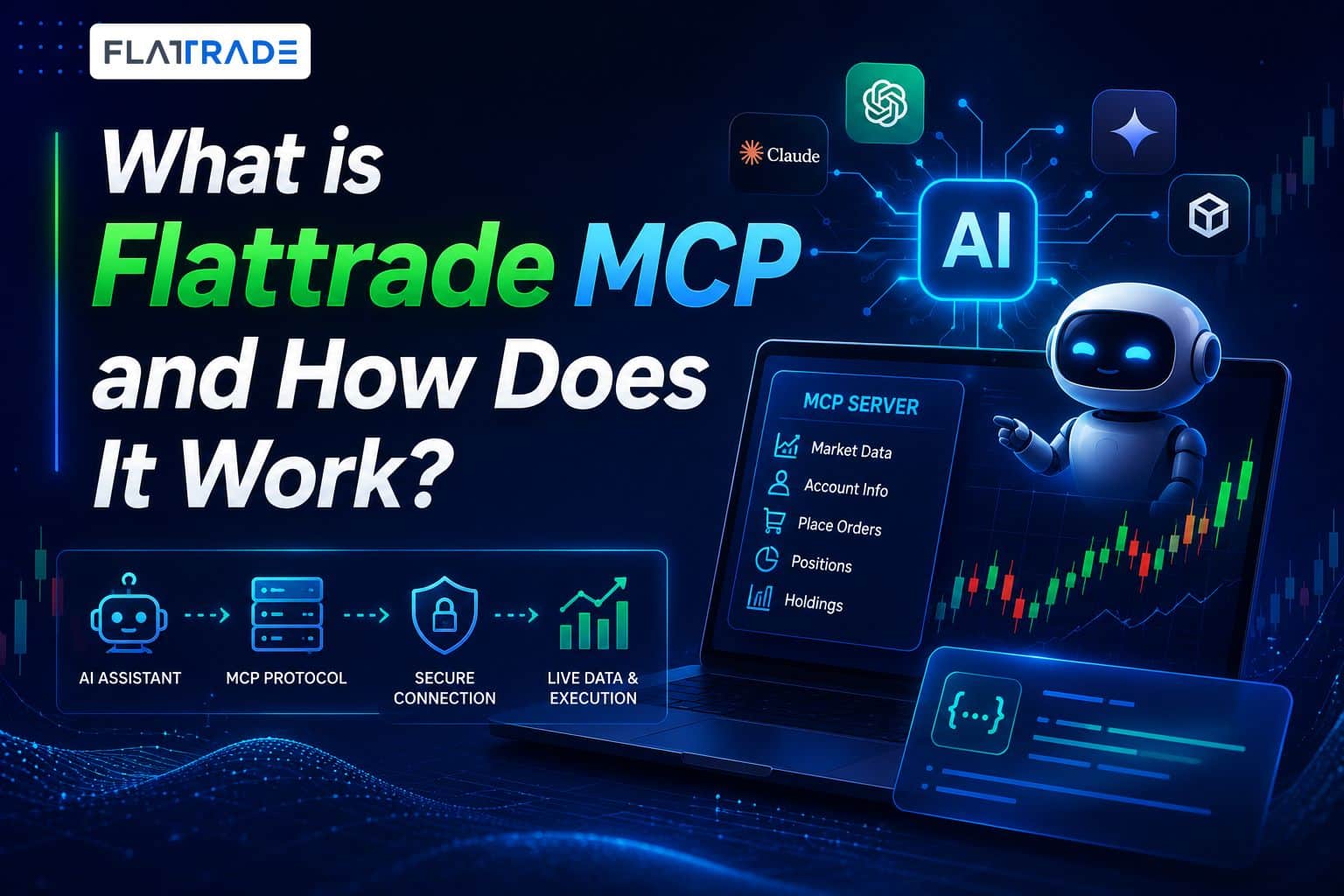
Imagine being able to chat with your trading account just like you talk to a friend. You could simply type, “Show me today’s top gainers,” “Buy 50 shares of Reliance at market price,” or “Compare NIFTY and BANKNIFTY volatility” – and it instantly happens. Sounds like a feature from the future? It’s actually available right now. Enter Flattrade Trading MCP. If you are a trader or a developer looking to combine the intelligence of modern AI with real-time stock market execution, here is everything you need to know about Flattrade Trading MCP in simple, easy-to-understand terms.
What is Flattrade Trading MCP?
MCP stands for Model Context Protocol. In simple terms, it is a universal standard that allows AI assistants to securely connect to external tools and read real-time data. Flattrade Trading MCP is a free, open-source server that bridges the gap between your favorite AI assistants (like ChatGPT, Claude and Gemini ) and your Flattrade trading account.
Instead of jumping between trading terminal apps, charts, and screeners, Flattrade MCP turns your AI into your personal, ultra-smart stockbroker. You can literally just use natural language to interact with the stock market.
How Does It Work?
Normally, AI chatbots can answer questions, but they can’t directly access your trading account or perform actions like placing orders, view portfolio. Flattrade Trading MCP solves this problem by acting as a secure bridge between your AI assistant and your Flattrade account.
- You give a command: You type a prompt into your AI (e.g., “What is my portfolio profit today?”).
- AI talks to MCP: The AI sends this request to the Flattrade Trading MCP running in the background.
- MCP talks to the Flattrade: The MCP securely fetches the data and the AI responds to you instantly with real-time data, an updated portfolio value, or a trade confirmation.
What Can You Actually Do With It?
The possibilities are practically endless because everything your broker exposes is now available to your AI. Here are a few ways you can use it:
- Portfolio Management: Type “How much available margin do I have?” or “What is my P&L today?” to get an instant summary of your holdings and funds.
- Conversational Trading: Execute real trades without opening a terminal. Tell the AI to “Buy 100 shares of INFY,” “Sell NIFTY 24500 CE,” or cancel existing orders.
- AI Strategy Building: Ask your AI to write a Python or Pine Script trading strategy (like combining RSI and Supertrend). The AI can generate the code, define entry/exit rules, calculate risk size, and backtest it all in a single conversation.
Why Use Flattrade Trading MCP?
- 100% Free & Zero Brokerage: There are no subscriptions or hidden charges to use the MCP. Plus, Flattrade offers zero brokerage on equity delivery, F&O, and more.
- Ultra-Low Latency: Milliseconds matter in trading. The architecture is optimized for lightning-fast API responses and live data streaming.
- Highly Secure: This is the best part. Flattrade MCP runs locally on your own machine. Your API credentials and session tokens stay on your computer and are never shipped to a third-party cloud. You remain in total control.
How to Access Flattrade Trading MCP
| Feature | Browser Connection | Desktop Connection |
|---|---|---|
| Ask About Portfolio | Yes | Yes |
| Ask About Margin | Yes | Yes |
| Place Orders | No | Yes |
| Integration | 1 Step | 3 Step |
| Server Environment | No | Node.js Environment Required |
| Best For | Quick portfolio and market queries | Full trading, order placement, and advanced features |
| Get Started | View Guide | Visit Page |