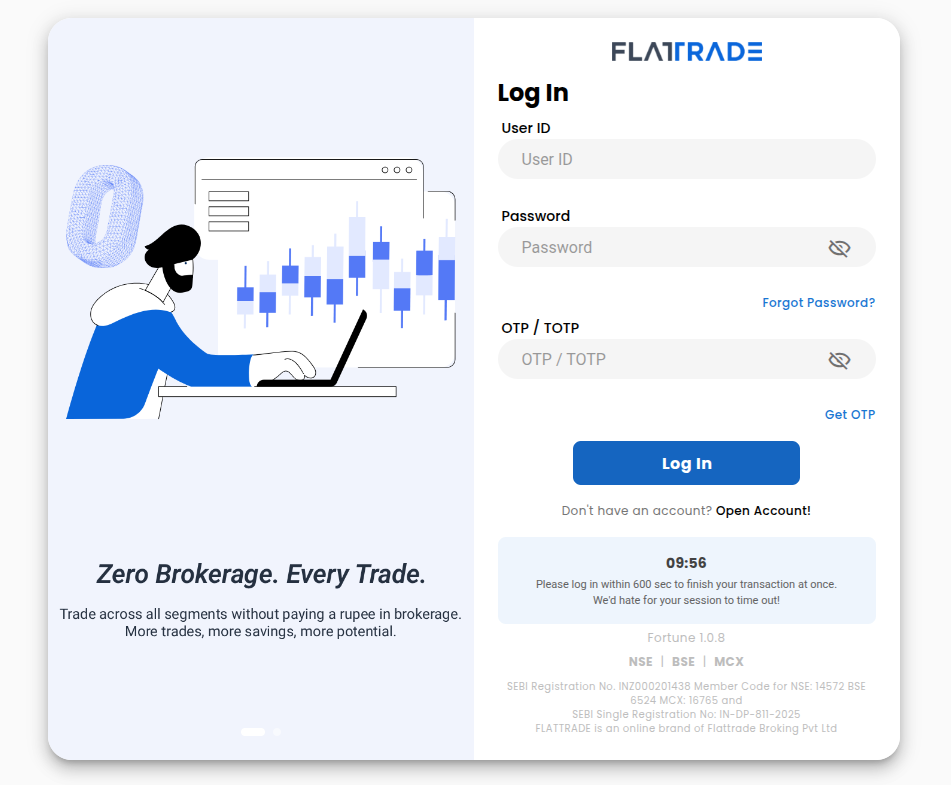
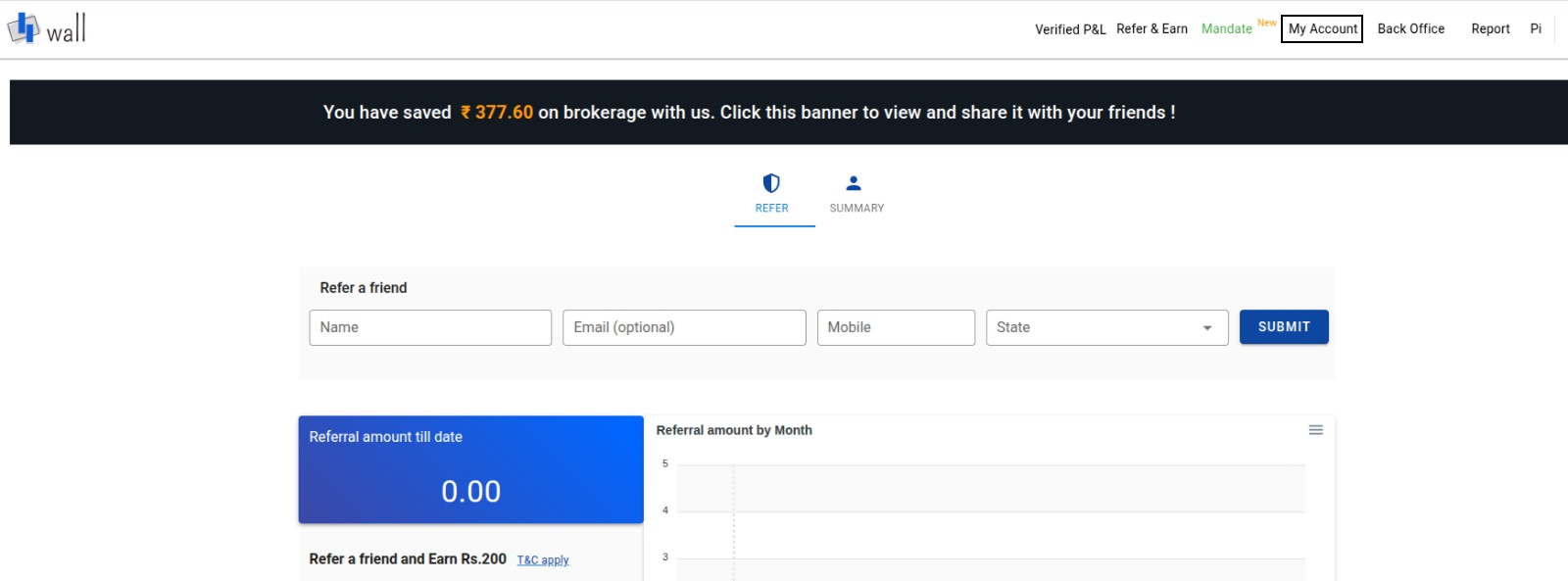
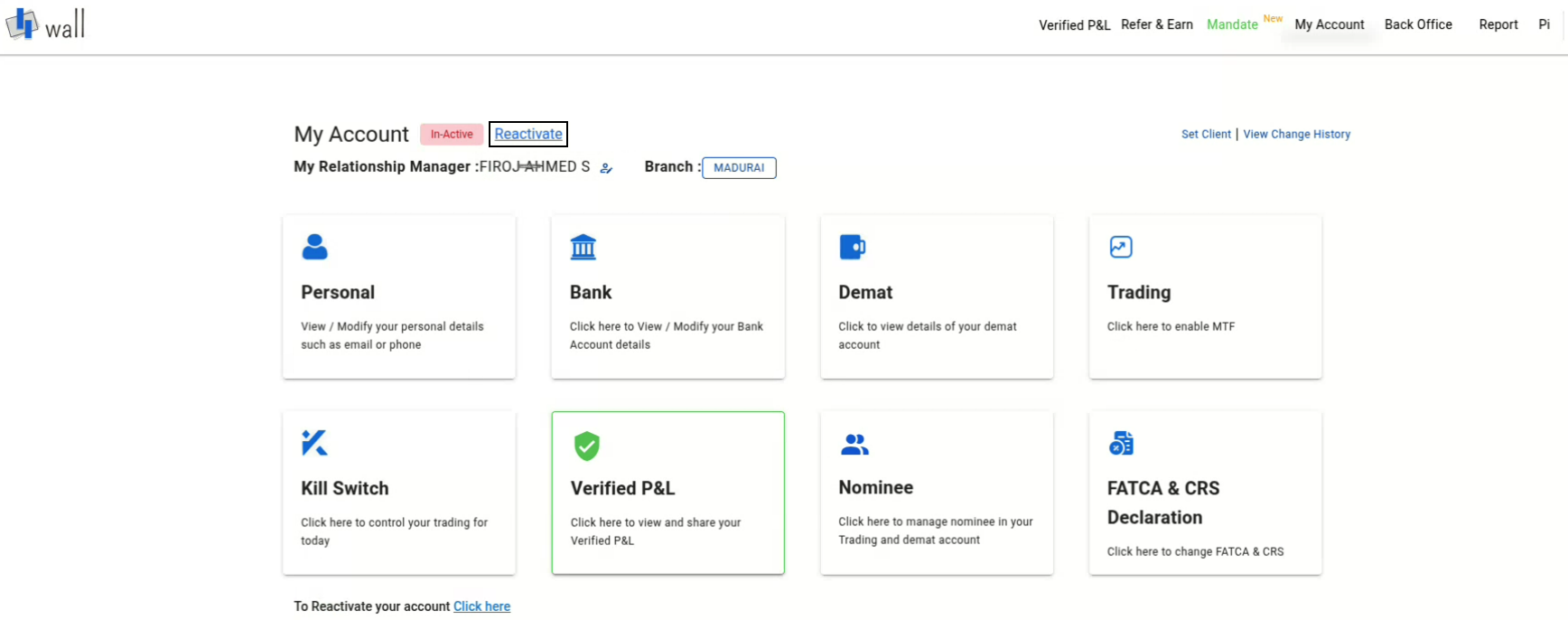
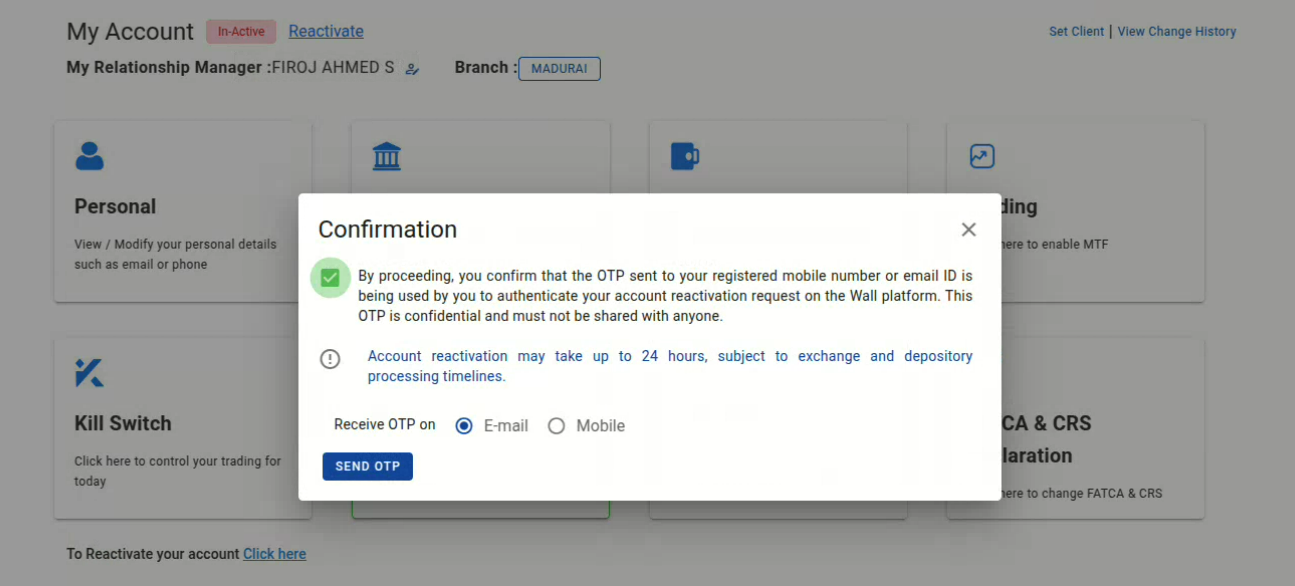
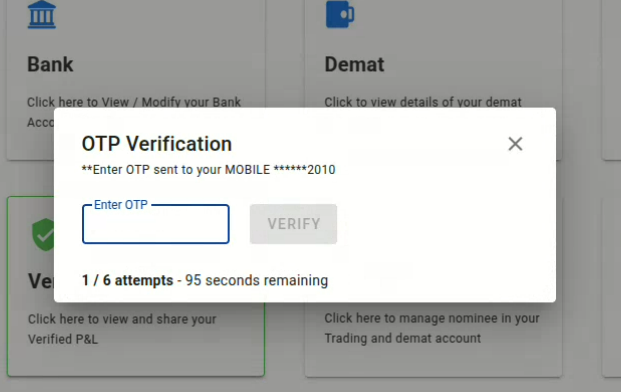
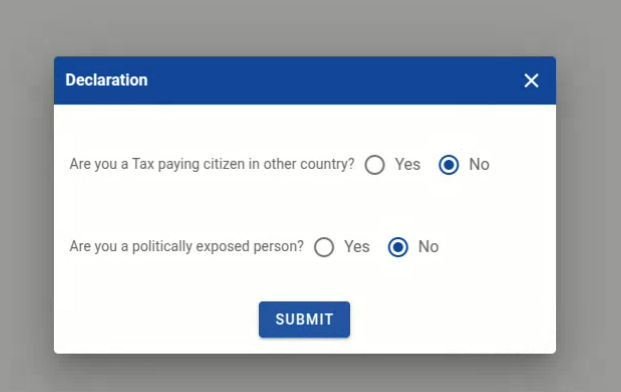
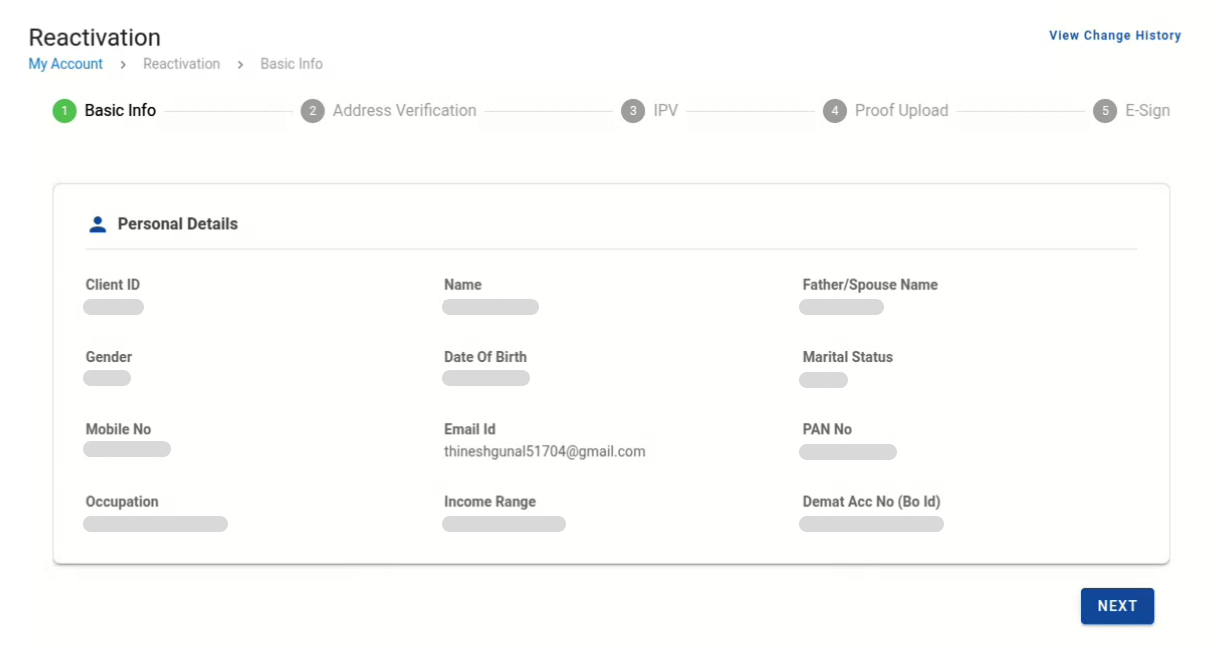
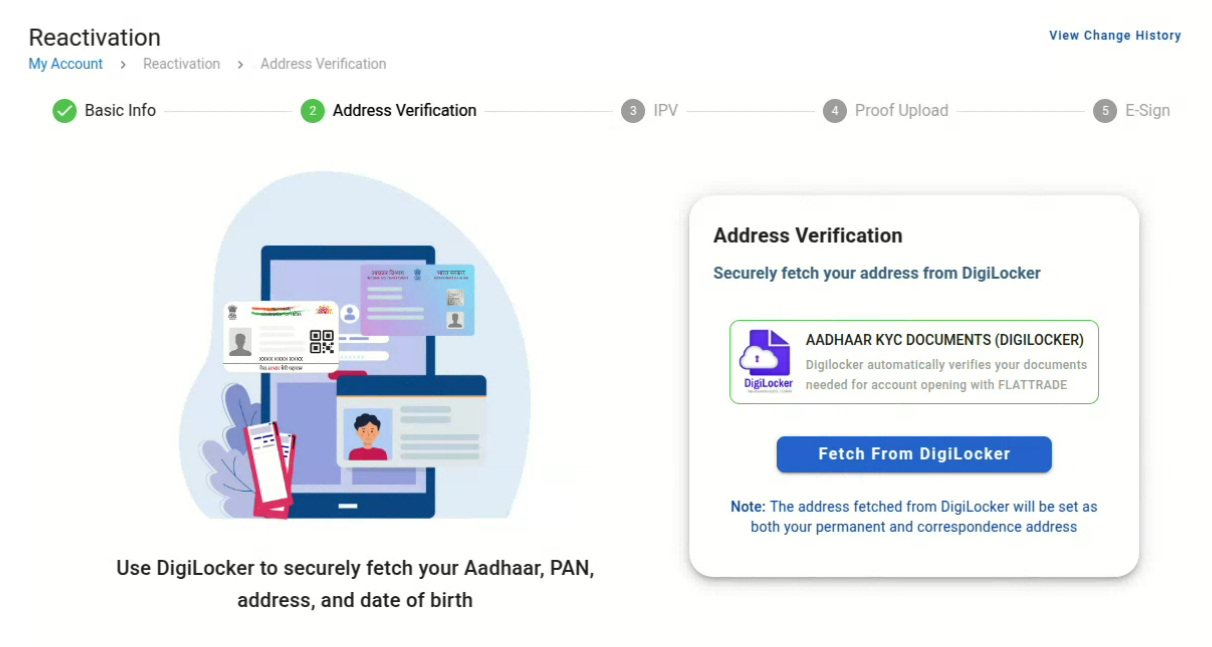
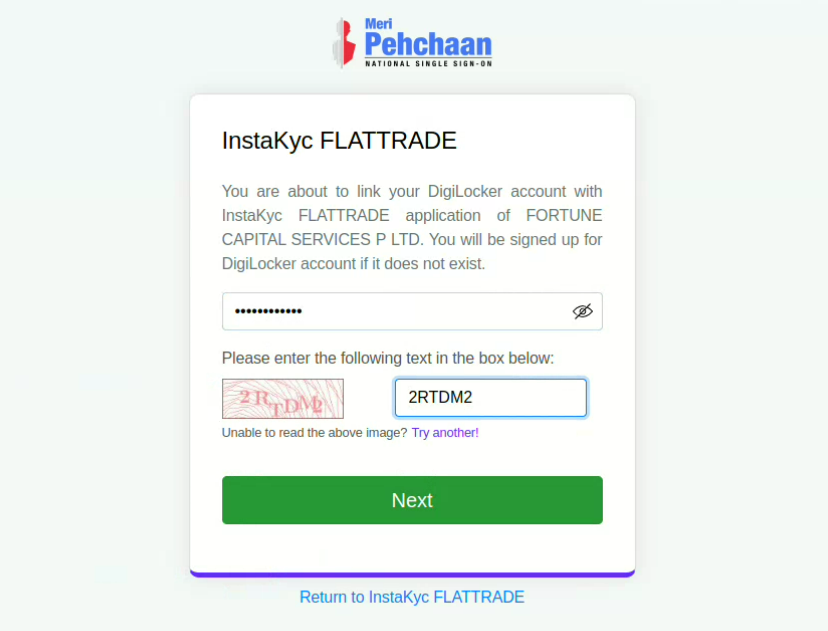
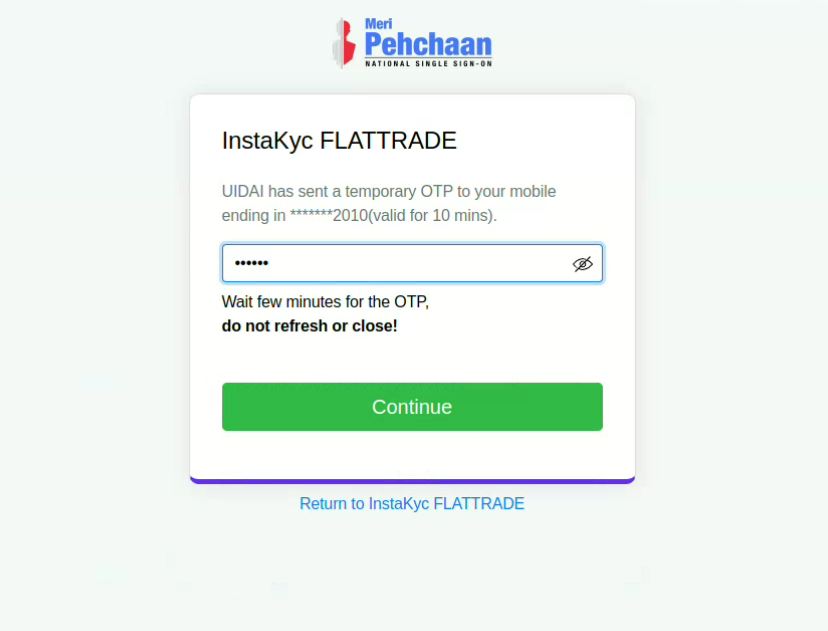
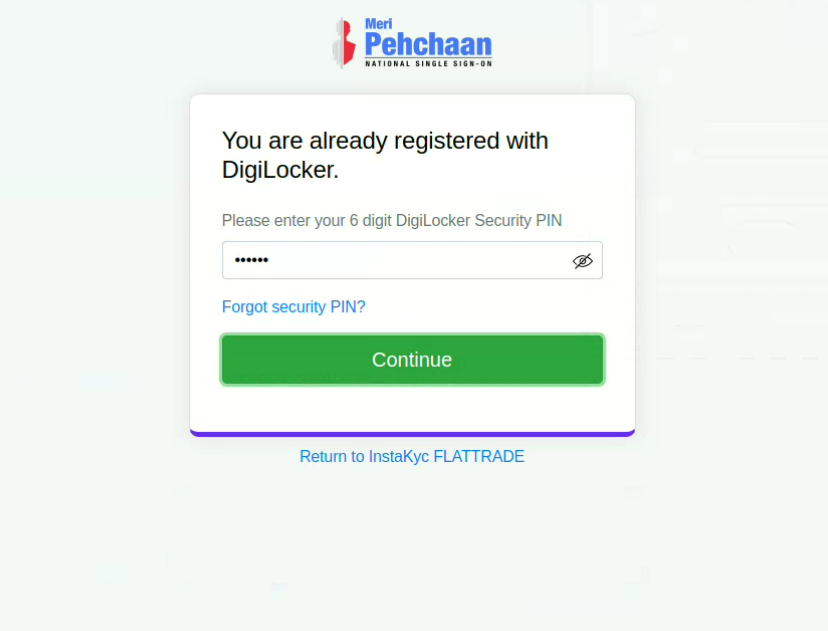
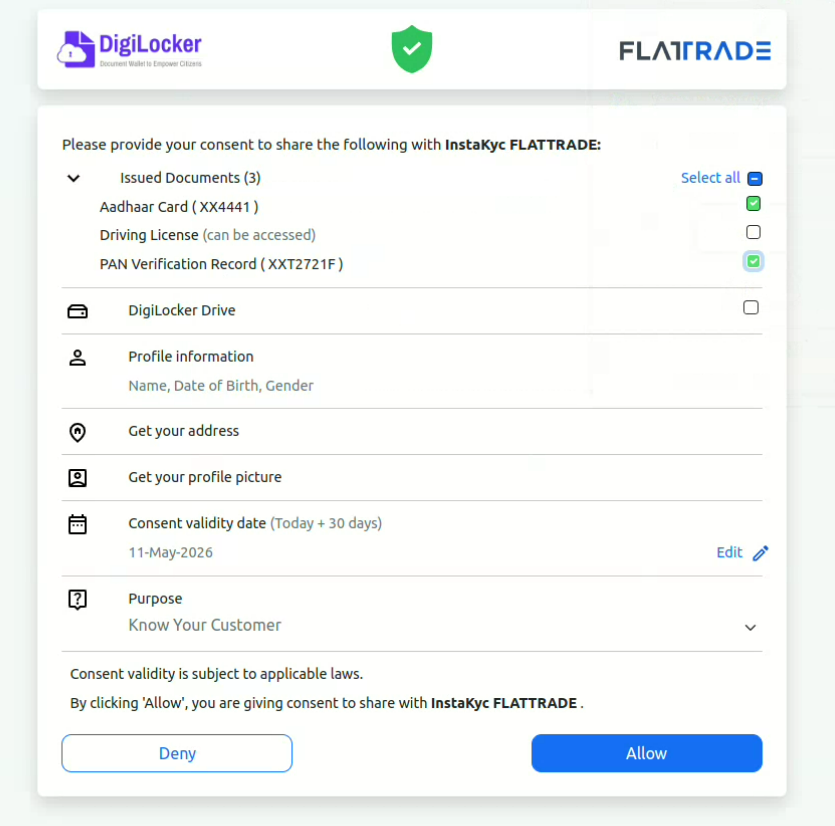
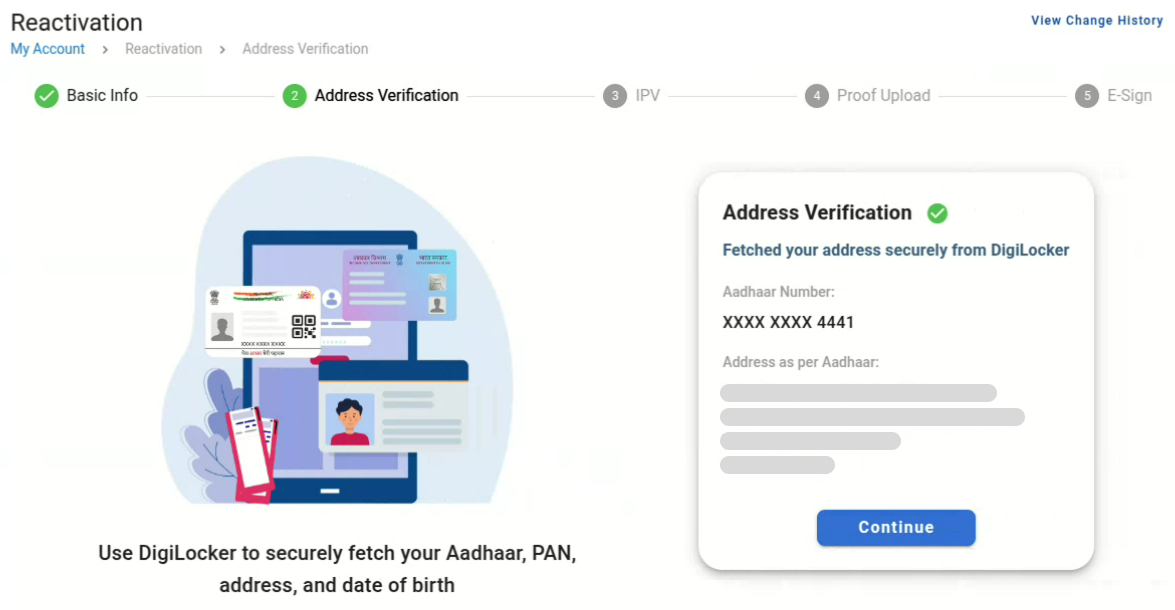
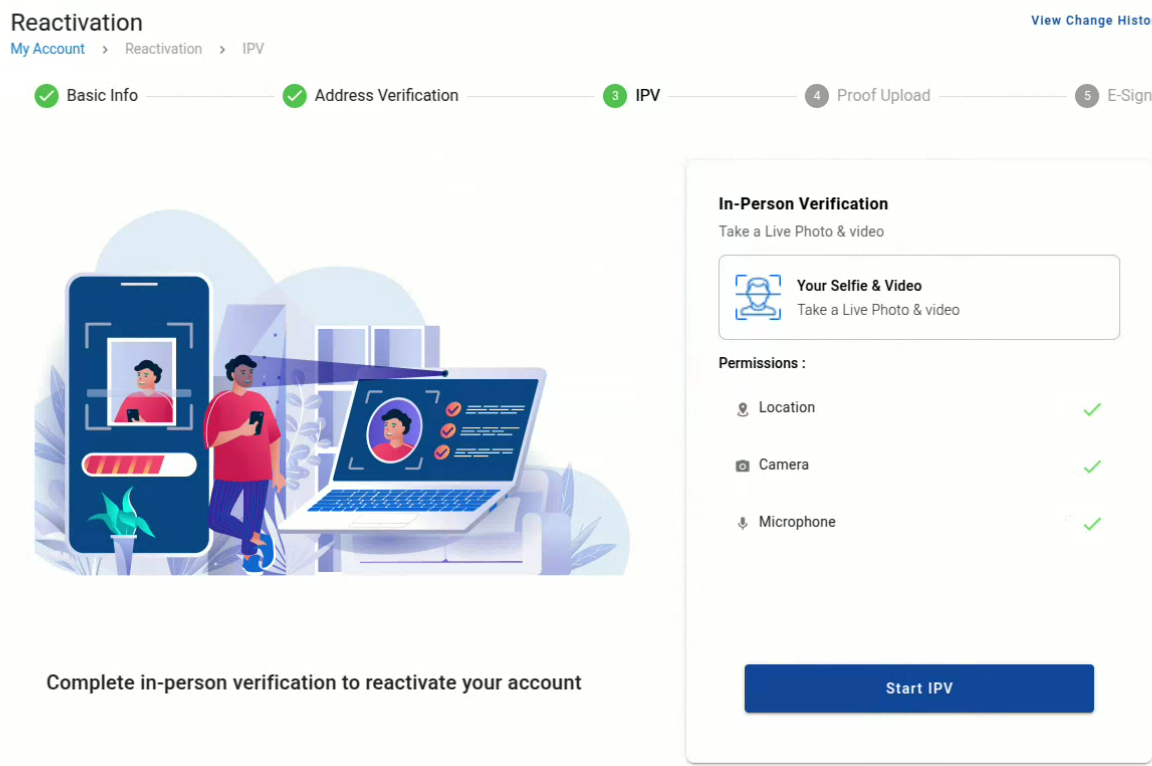
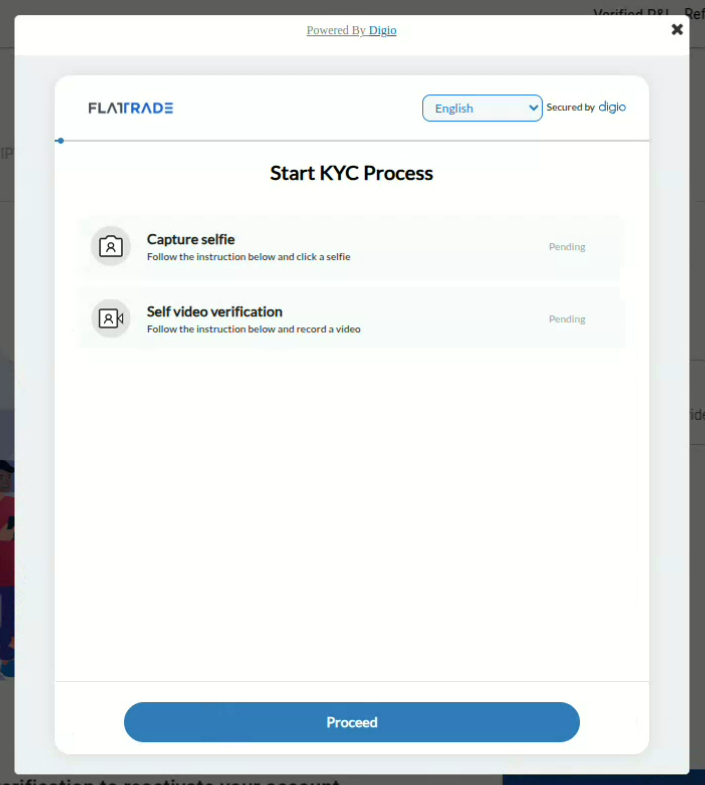
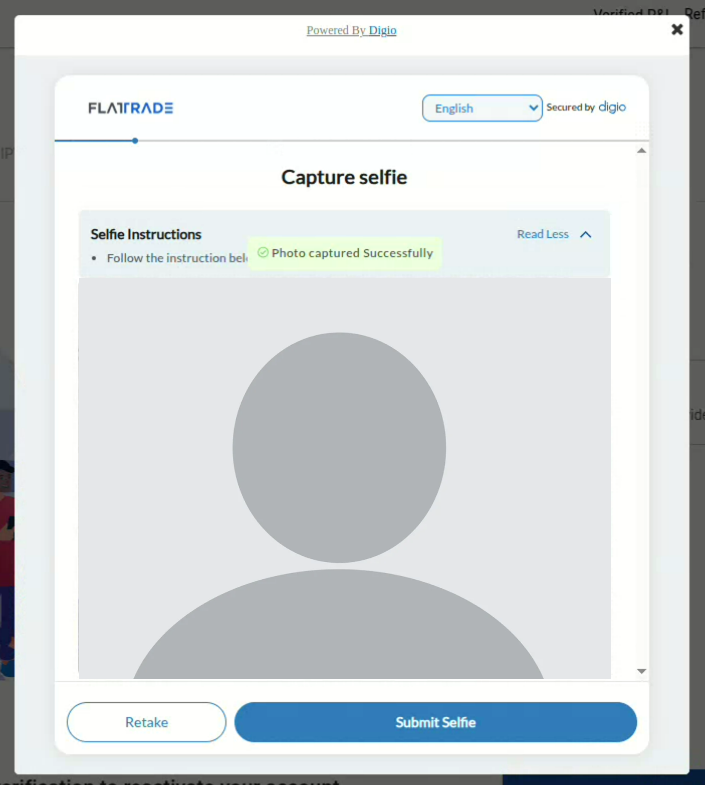
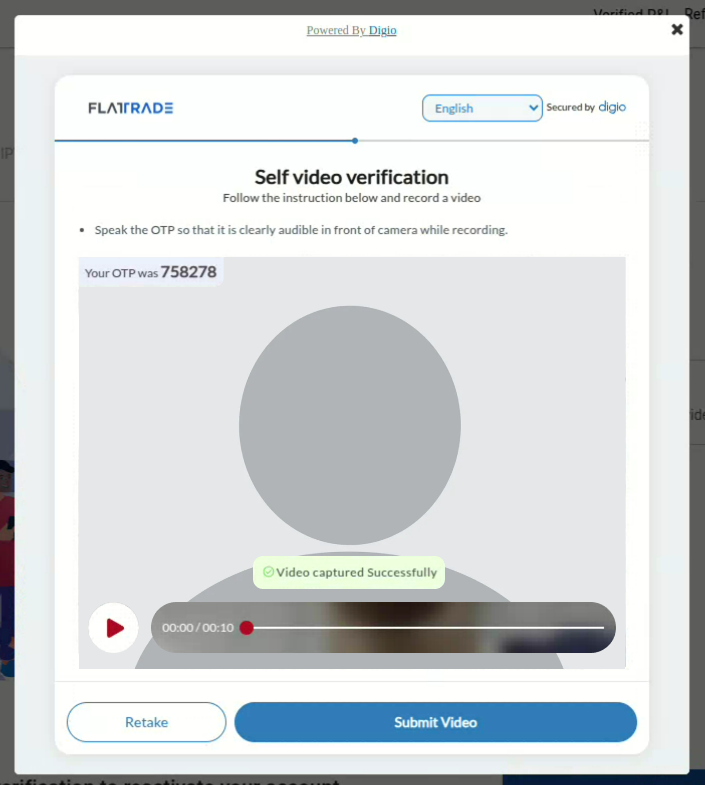
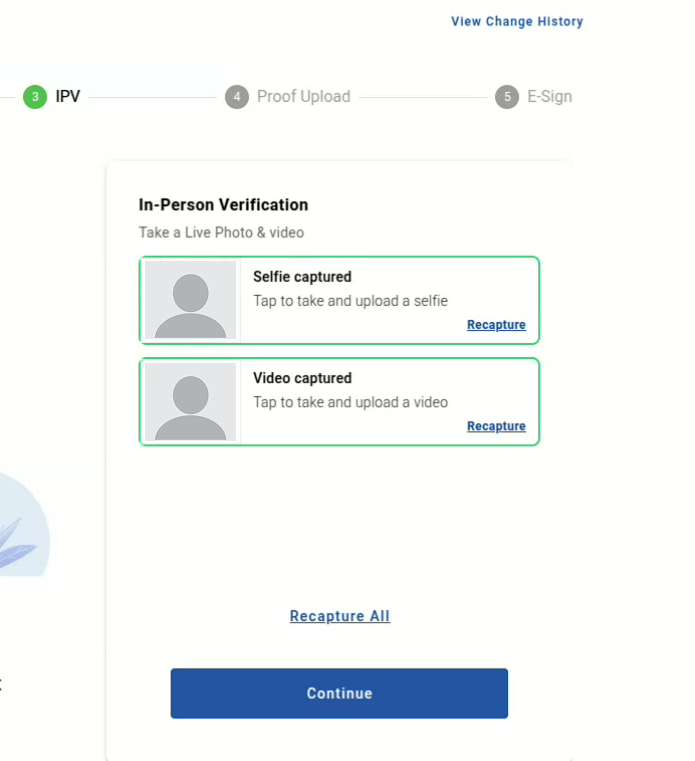
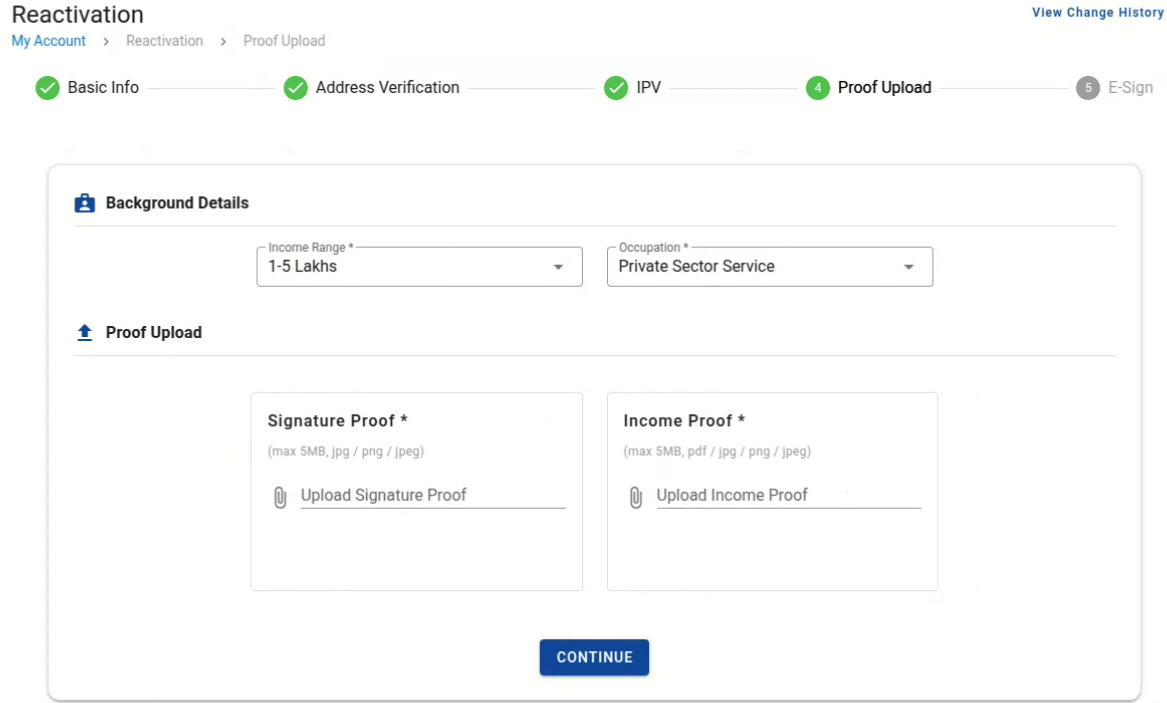
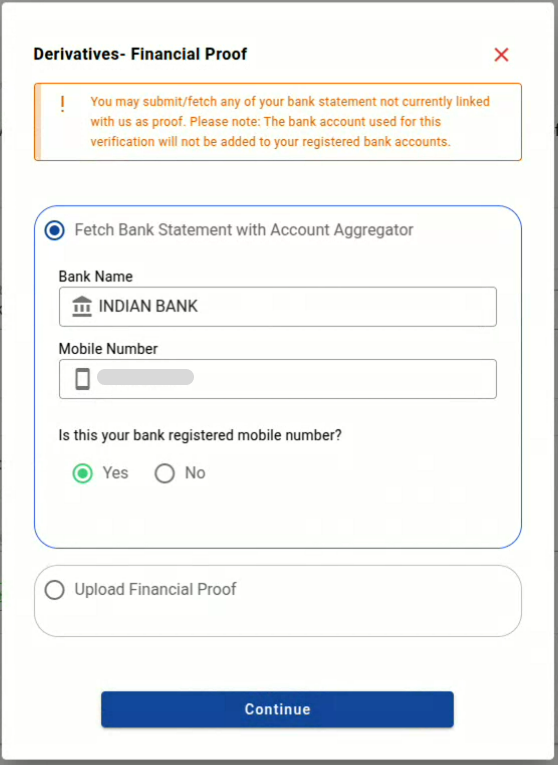
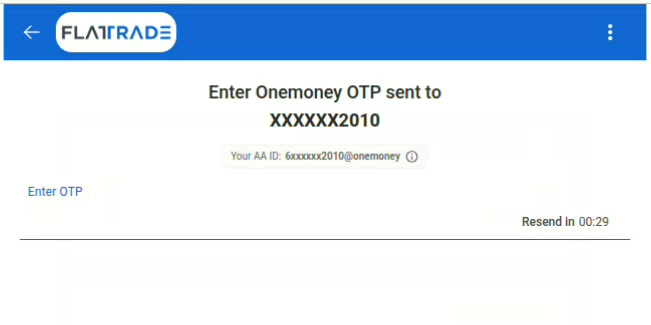
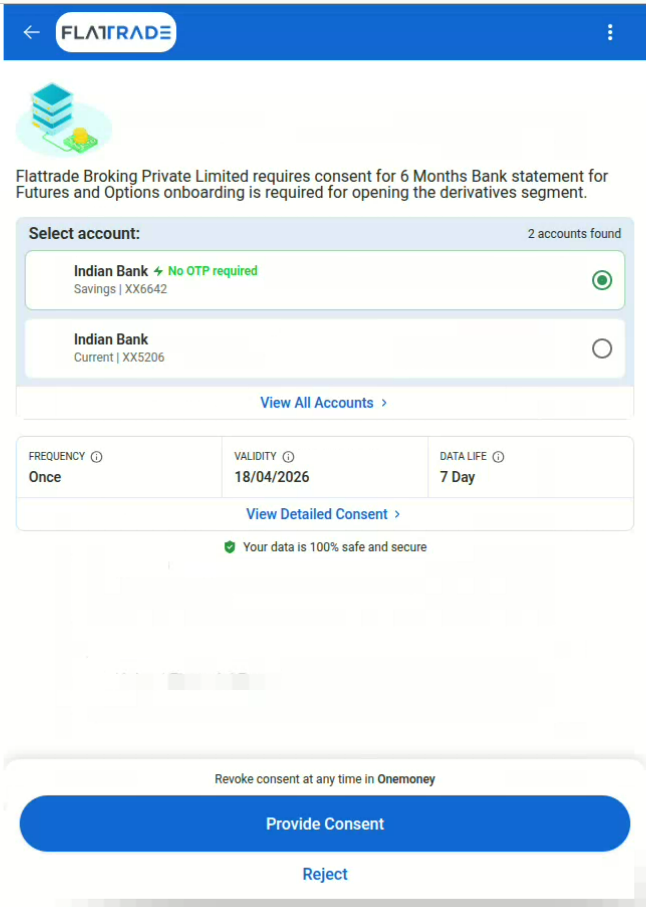
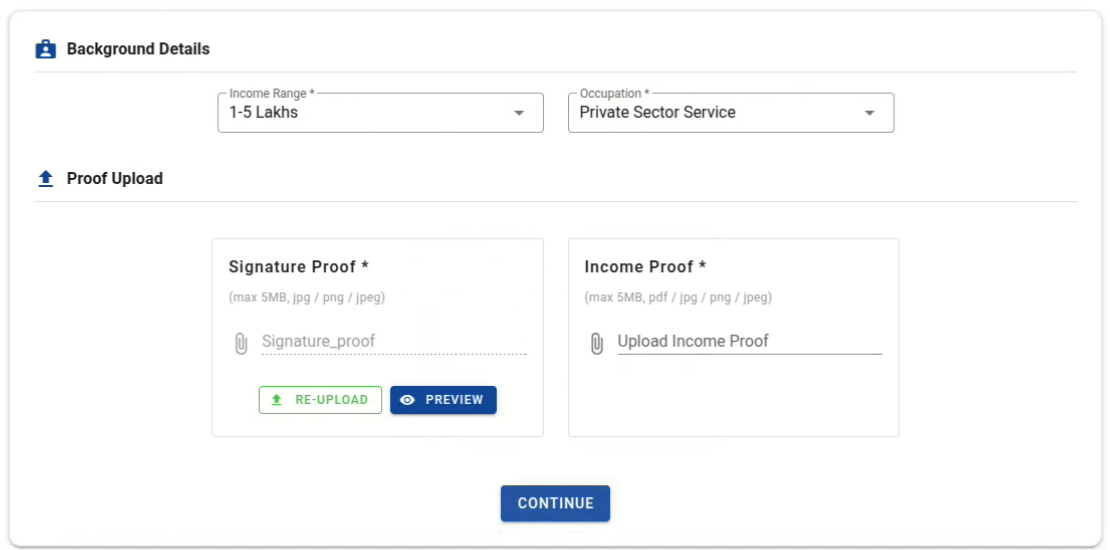
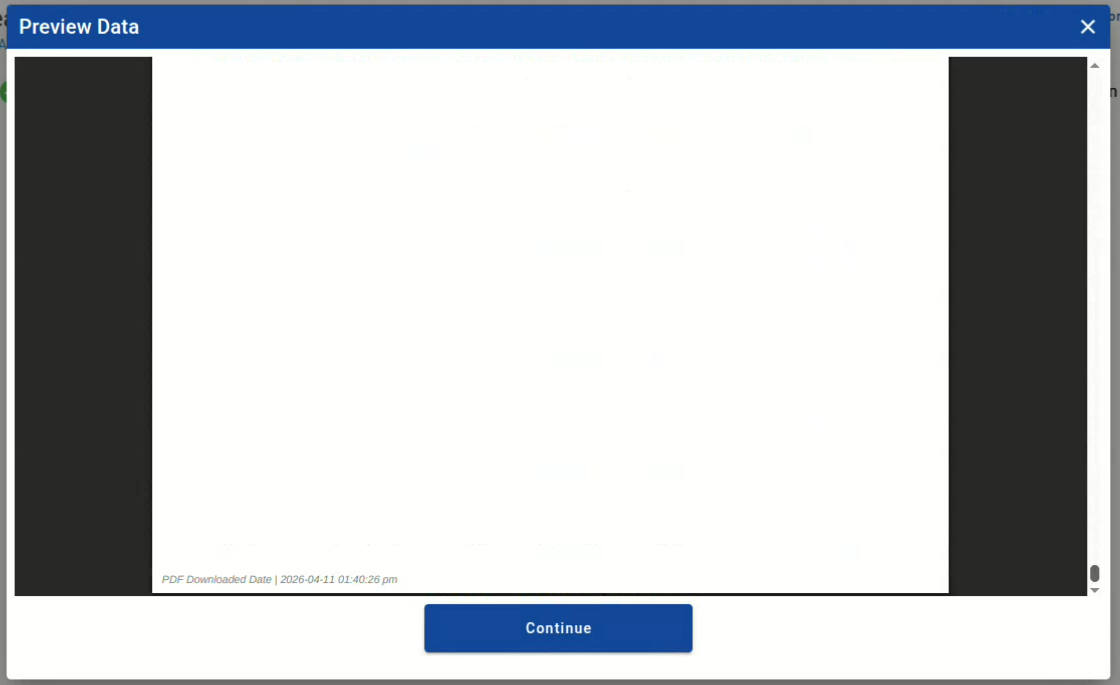
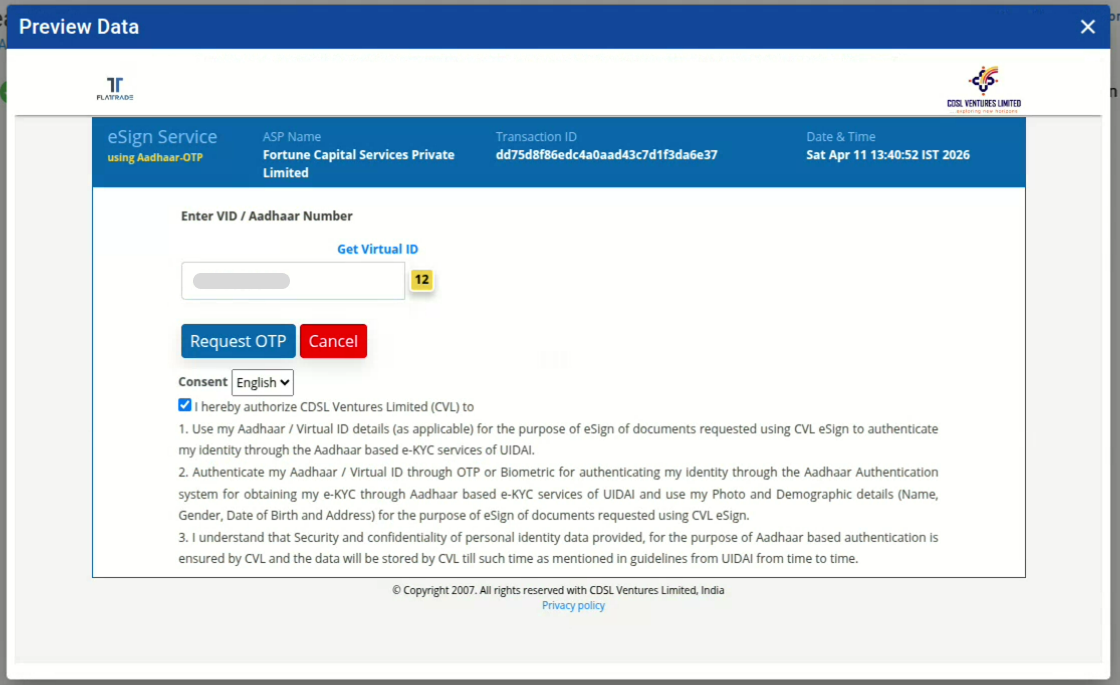
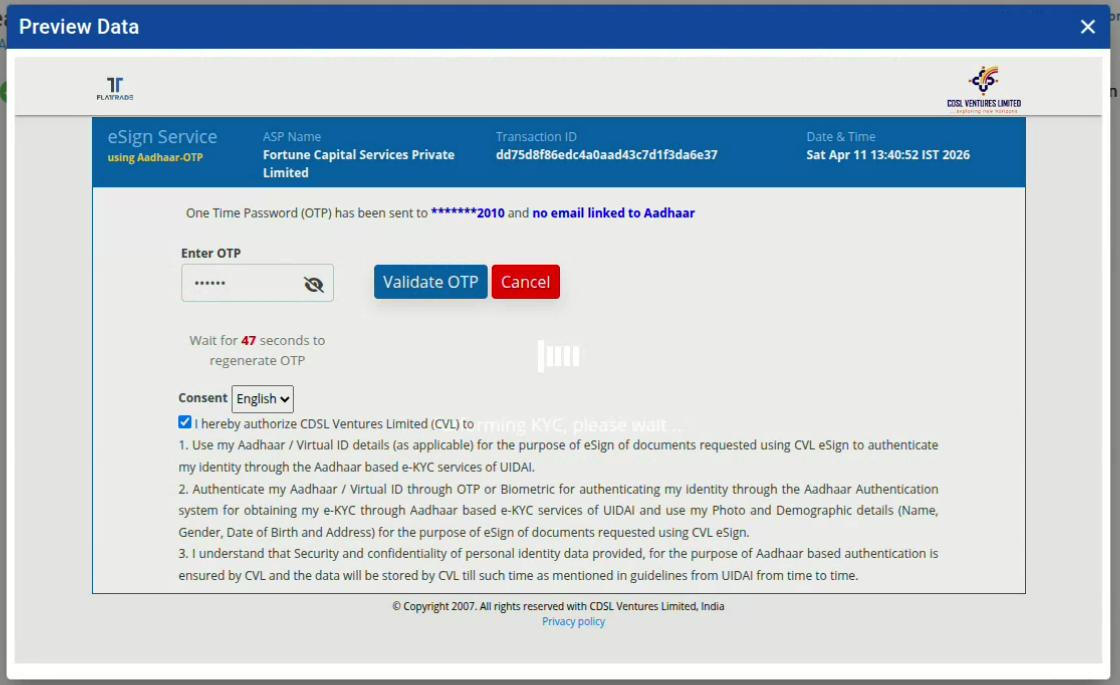
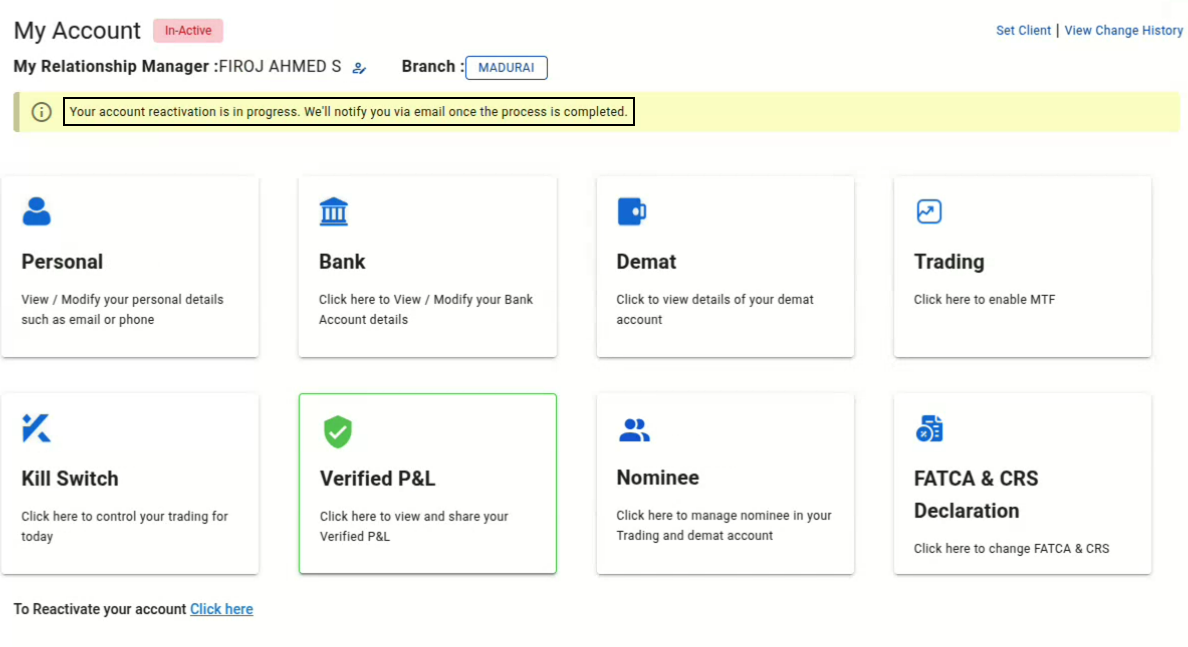
Main Account Modification Account Reactivation How to reactivate my Flattrade Account? Print How to reactivate my Flattrade Account? PostedApril 13, 2026 Bythanushaa Login to the Wall platform with your credentials 2. Go to ‘My Account’ 3. Click on ‘Reactivate.’Note: The reactivation button will be visible only for those whose account has not been active for 2 years or more 4. To confirm your reactivation request, choose to receive OTP via your email or mobile number. Make sure to tick the checkbox 5. Enter the OTP received and click verify 6. Choose ‘Yes’ or ‘No’ to the questionsNote: If you choose yes for a tax-paying citizen in another country, you should open an NRI account 7. Verify all your personal details and click next 8. Click Fetch from Digilocker to completed you address verification 9. Enter your Aadhar number and the Captcha. Click next 10. Enter the OTP received at your mobile number and click continue 11. Enter your 6-digit Digilocker pin and click continue 12. Select the documents you would like to allow access to and click allow 13. Check the address and click continue 14. Next step is to complete the IPV verification, make sure to allow access to the location, camera, and microphone, and click ‘Start IPV.’ 15. Click process to capture a selfie and self-video identification 16. Capture the selfie according to the instructions and click submit 17. Record the self-video and click submit.Note: The given OTP has to be read out by the person in the video 18. Once the selfie and video are captured, click continue 19. Verify your background details, upload your signature proof, income proof, and click continue. 20. Verify your bank name, mobile number, and click continueNote: To upload your income proof, you can either directly upload six months statement or use the Account Aggregator to fetch the bank statement 21. You will be redirected to One Money. Enter the OTP received at your mobile number 22. Choose the bank account, verify the details, and provide consent 23. Once the consent is given, you will be redirected to the wall platform, and click continue 24. Verify the document and click continue 25. Enter your Aadhar number and click request OTPMake sure to tick the Checkbox 26. Enter the OTP received 27. Your account reactivation process is completed, and you will receive an email once the process is completed.

 Get App
 Web Trading
 Backoffice
 IPO Apply
 Manage Account
 Wall
Wall Kosh
Kosh