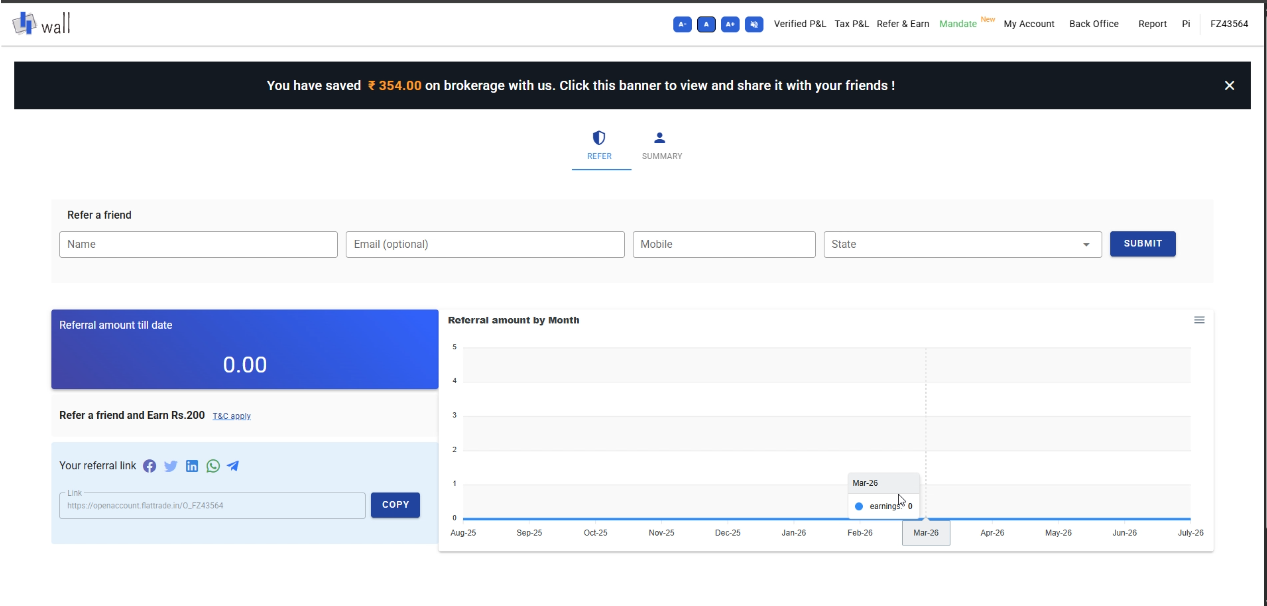
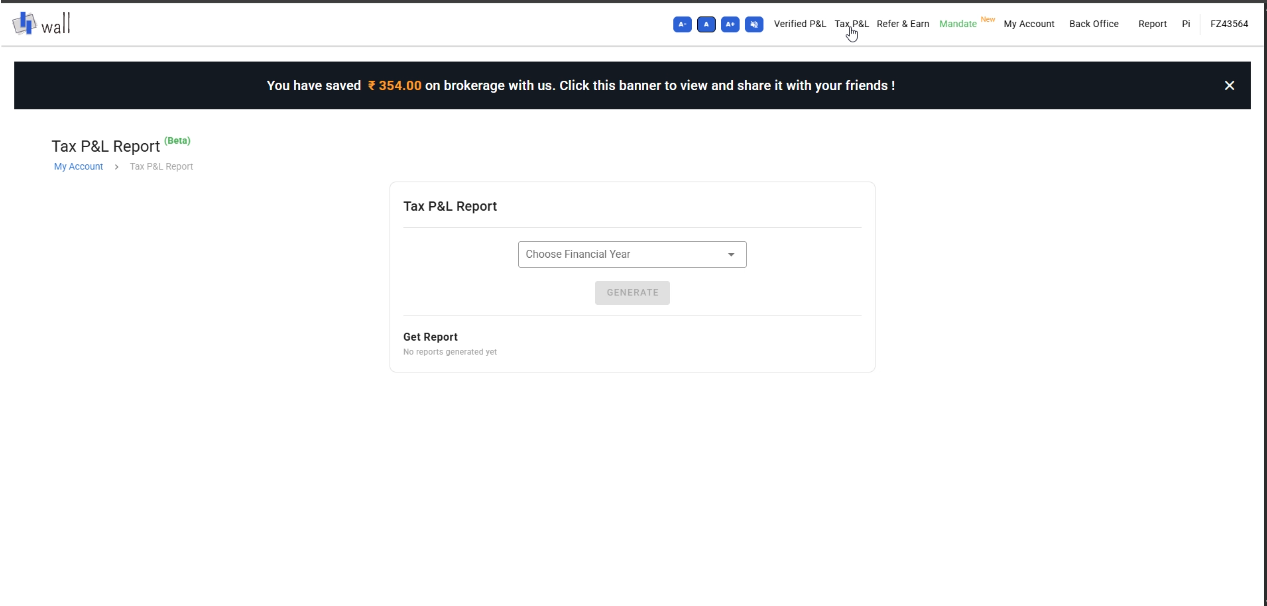
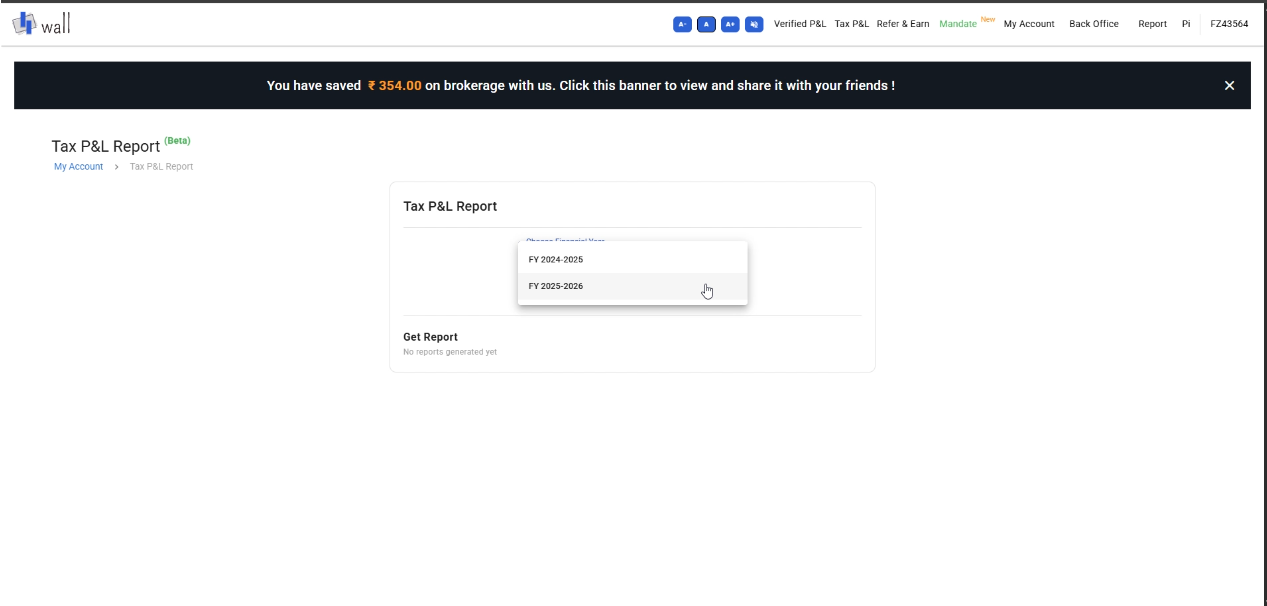
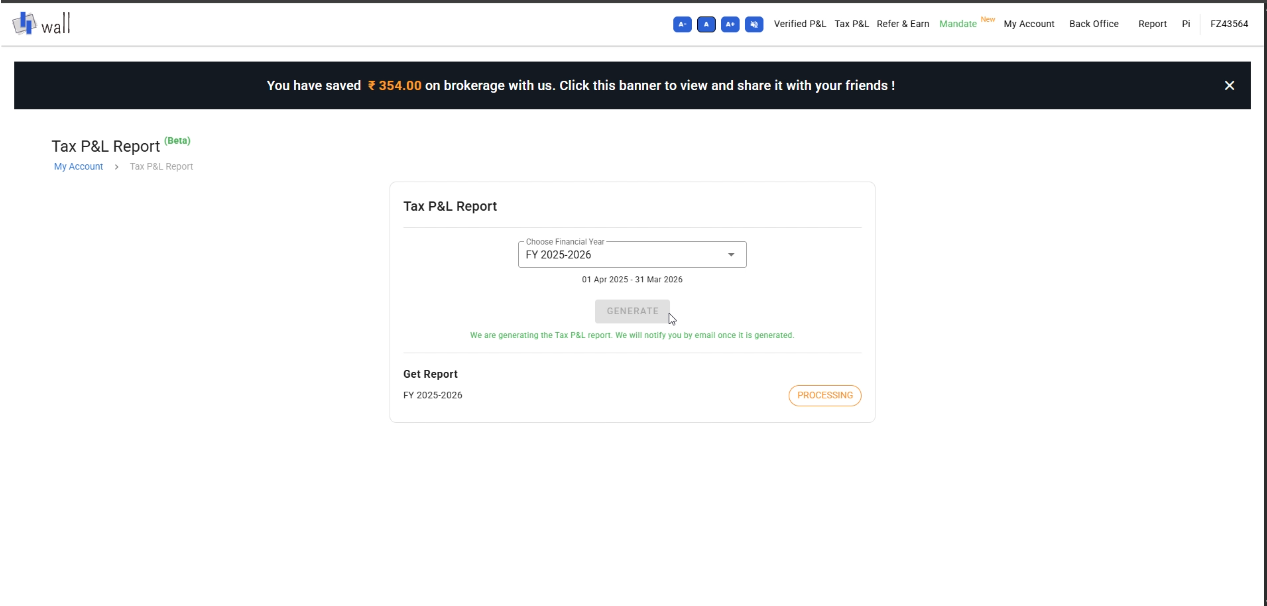
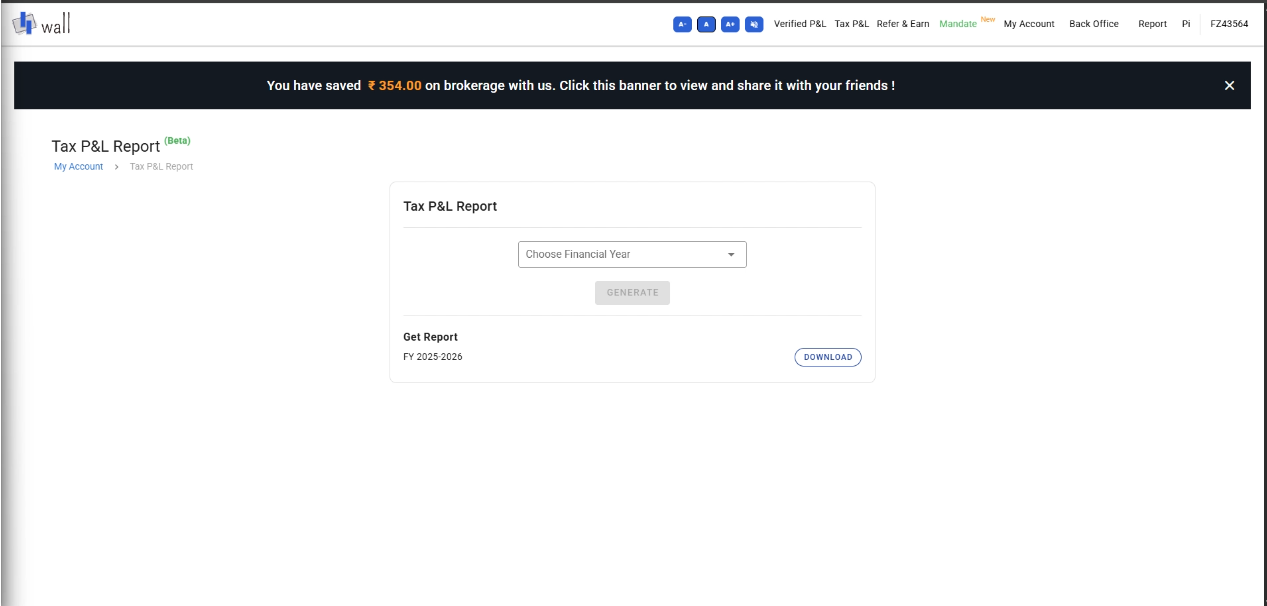
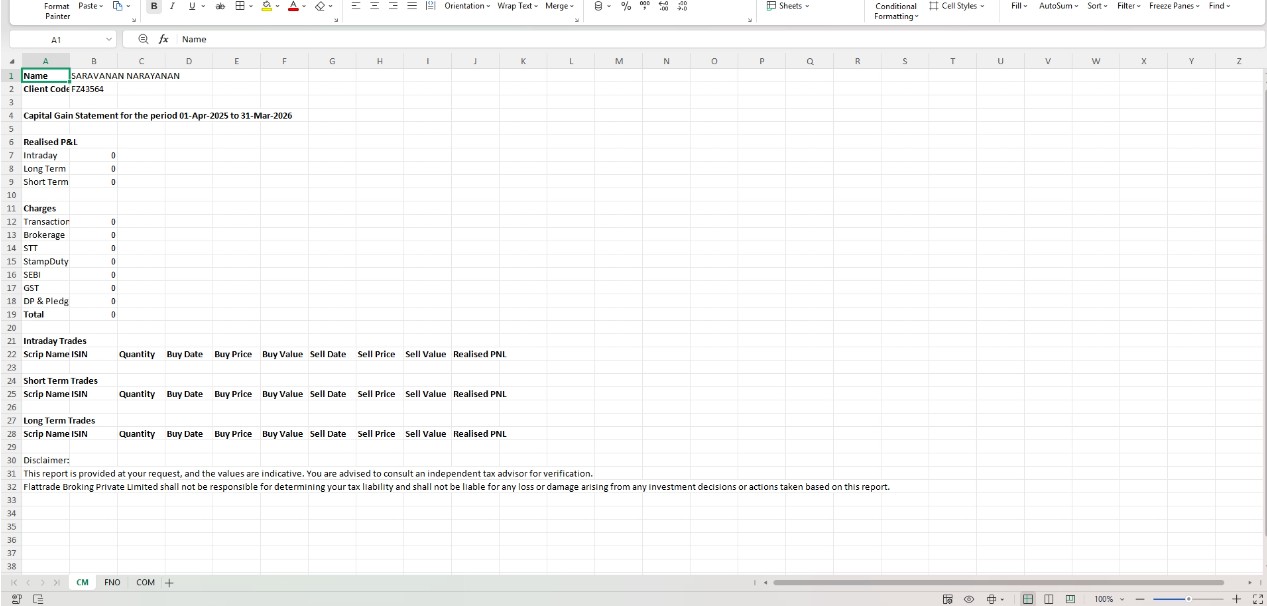
Main Funds Taxation & Charges How to Download Your Tax P&L Report on Flattrade Print How to Download Your Tax P&L Report on Flattrade PostedJuly 30, 2026 ByPrashant Gorhe Step 1: Log in to WallVisit the Flattrade Wall portal at wall.flattrade.in.Enter your User ID, Password, and OTP/TOTP, then click Log In. Step 2: Navigate to Tax P&LOnce logged in, click on the Tax P&L tab in the top navigation menu. – https://wall.flattrade.in/taxpnlreport Step 3: Select the Financial YearUnder the Tax P&L Report section, click the Choose Financial Year dropdown menu.Select the relevant financial year (e.g., FY 2025–2026). Step 4: Generate the ReportClick the GENERATE button.The report is being generated and notification will be sent to your registered email address. Step 5: Download Your ReportYou can download your report from the same page. Your report will download as an Excel spreadsheet containing your Capital Gains Statement and trade summaries for tax filing purposes. Download Your Tax P&L Report

 Get App
 Web Trading
 Backoffice
 IPO Apply
 Manage Account
 Wall
Wall Kosh
Kosh