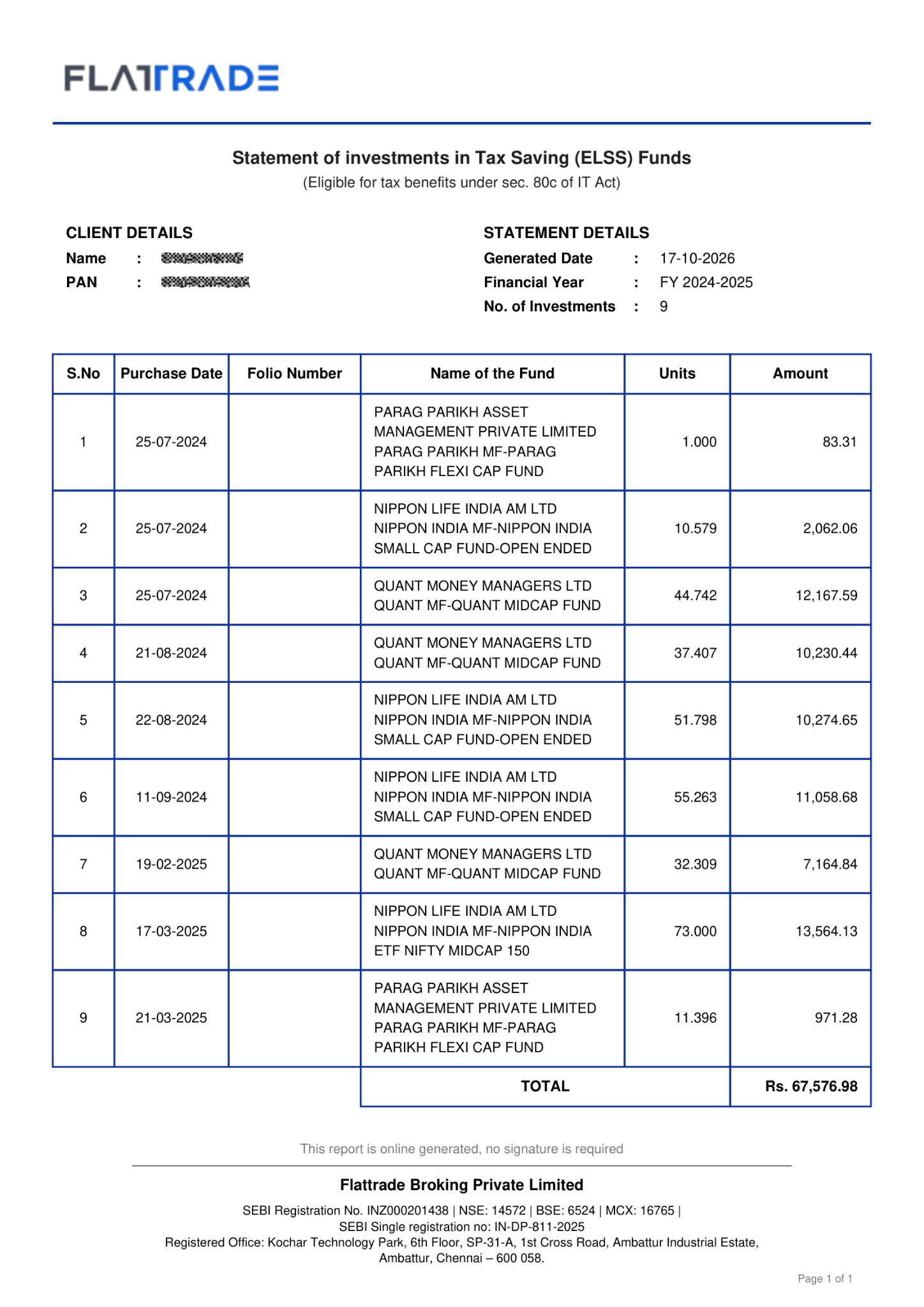
If you’ve invested in ELSS (Equity Linked Savings Scheme) through Flattrade, you can easily download your Flattrade ELSS Report for tax filing, investment tracking, or your personal records.
How to Download ELSS Report
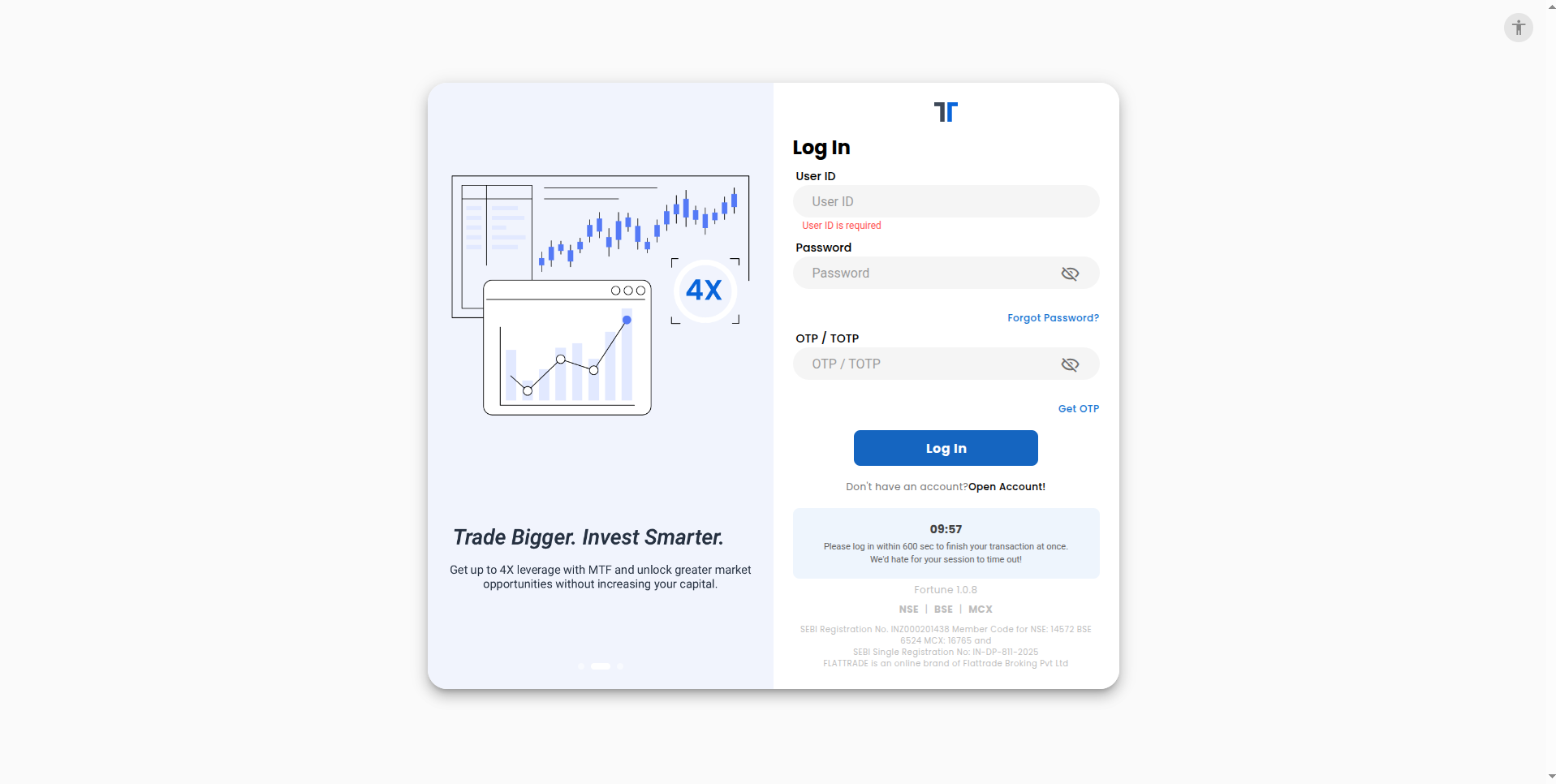
Step 1: Log in to Your Wall Account – wall.flattrade.in Sign in to your account using your Flattrade credentials.
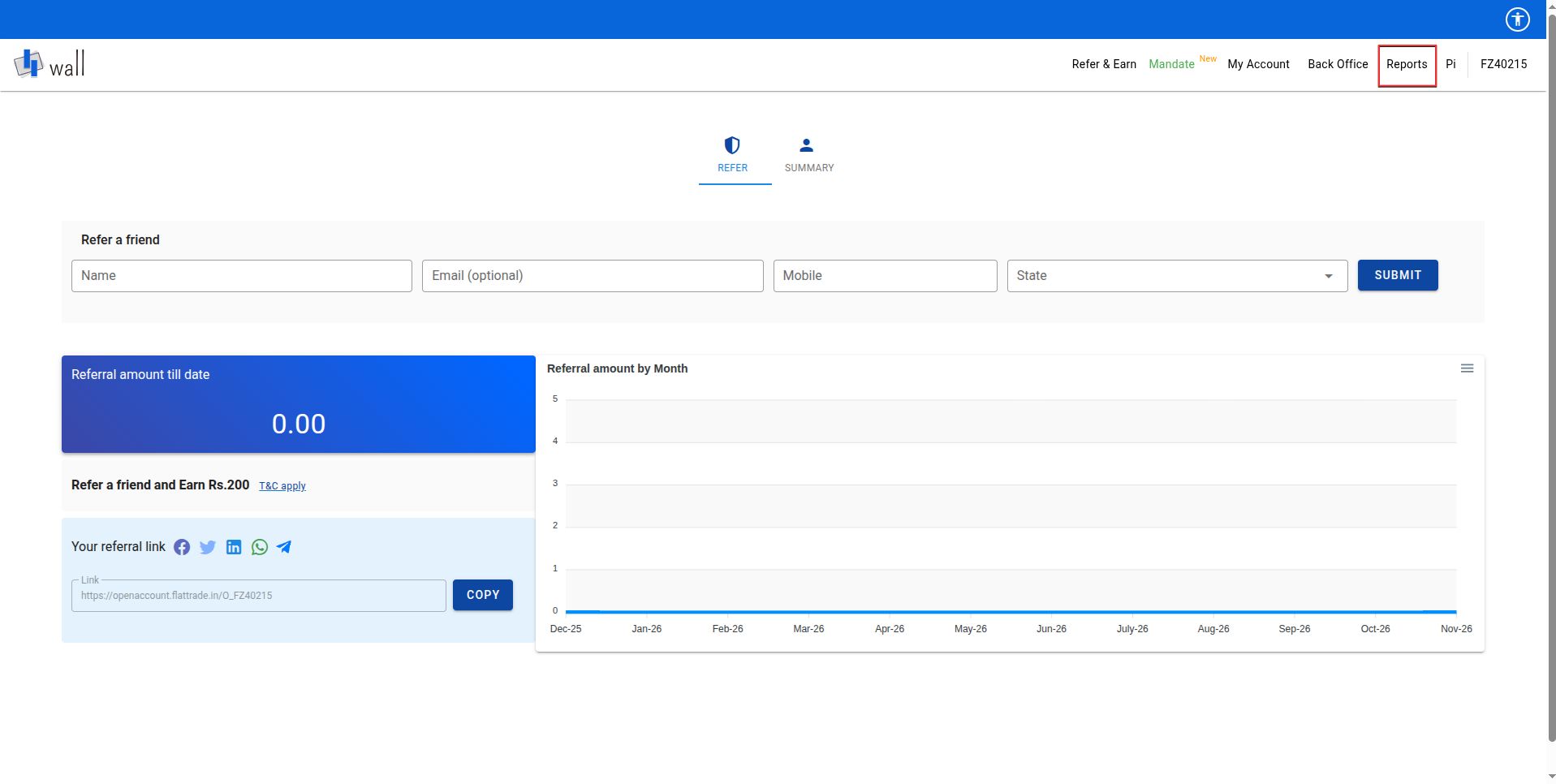
Step 2: Navigate to Reports After logging in – Click Reports
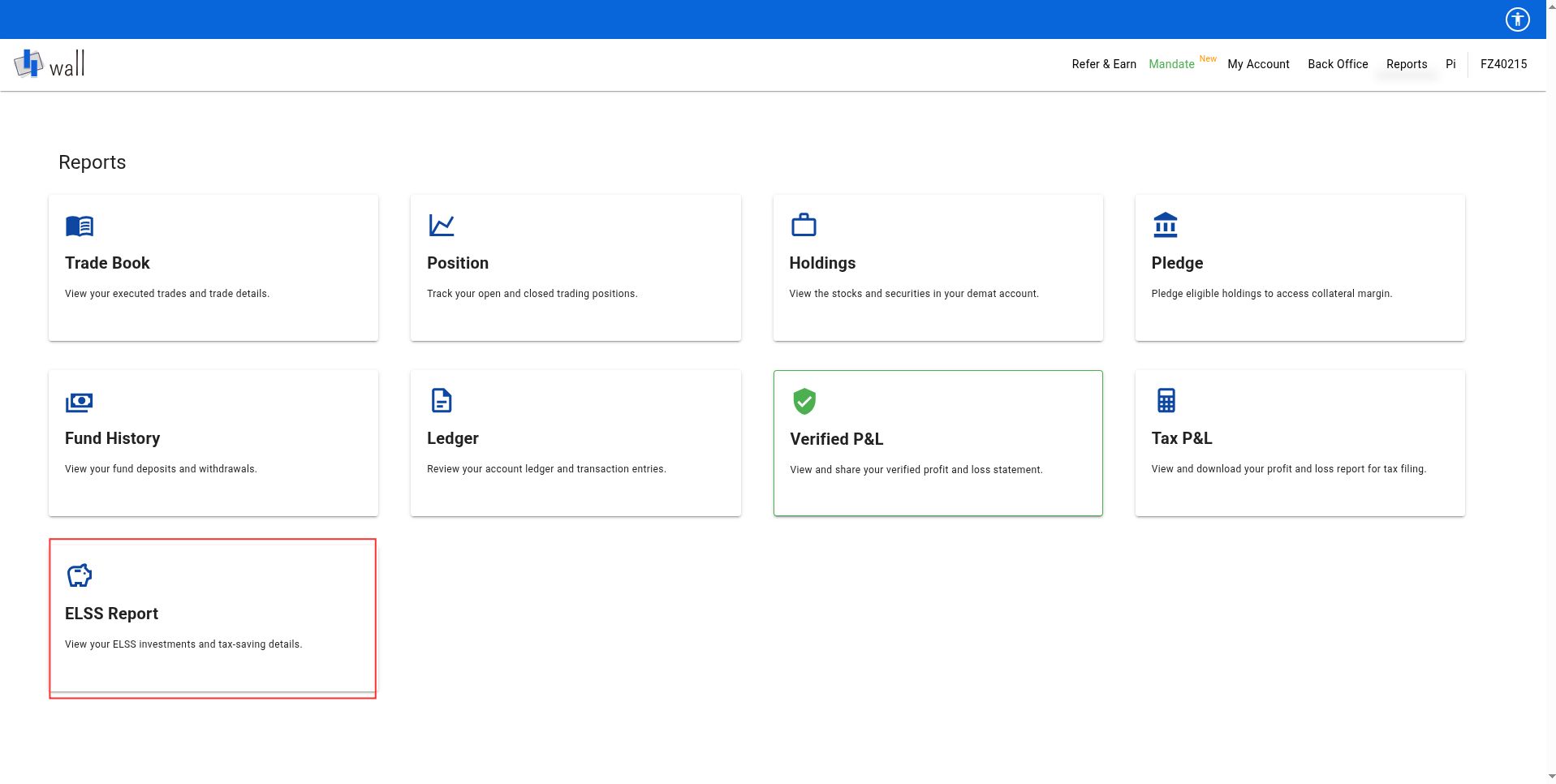
Step 3: Open the ELSS Report
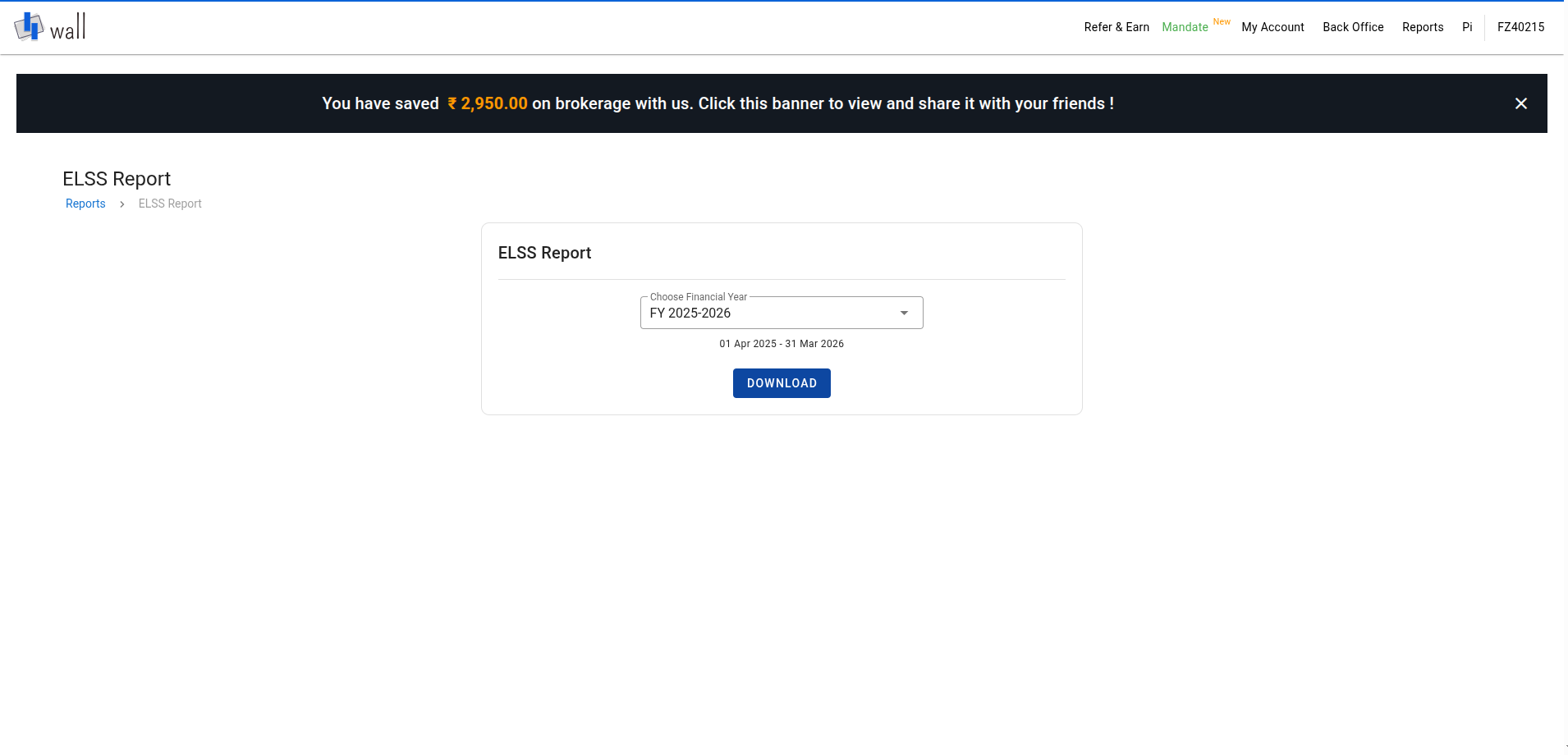
Step 4: Select the Financial Year & Download the Report
Choose the financial year for which you want to download the report.
Example:
FY 2025–26
FY 2024–25
And Click the Download button.
Your Flattrade ELSS Report will be downloaded to your device in PDF format in a few moments.
ELSS Report PDF Format
Why Download the Flattrade ELSS Report?
You can use your ELSS report to: – Claim tax benefits under Section 80C – Track your ELSS mutual fund investments – Maintain investment records – Review investments for a specific financial year

 Get App
 Web Trading
 Backoffice
 IPO Apply
 Manage Account
 Wall
 Kosh